


[ad_1]
Achievement badges are a funny thing. You know they’re just a simple little bit of visual flair, they don’t even do anything, and yet for some reason you just have to collect them. Gamification can be a great motivator, and the achievement badges for the activity tracking on the Apple Watch have inspired many users to get more exercise.
If you want to maximize your badge count, you’re going to want to chase down as many activity achievements as you can. Most are available year-round, but there are also some time-limited special events to grab, too. Here’s a list of all the activity achievements for the Apple Watch and how to unlock them.
Updated November 4, 2025: On Veteran’s Day (November 11) you can earn a badge by doing any workout for 11 minutes or more.
Standard achievements
Most of the achievements can be earned year-round. If you open the Activity app on your iPhone, then head over to the Achievements tab, you’ll see some of them listed even before you earn them (in which case they will be represented by a grey outline).
However, there are some achievements that are not shown until you earn them. Past and future monthly challenges, for example, won’t show up, nor do all the various individual exercise workouts.
Here is a list of all the standard badges you can get.
First [exercise] Workout
The first time you perform a new exercise for at least 5 minutes, you’ll get a achievement badge. Every workout type that does not fall under the “Other” category is eligible for this badge: from walking to yoga to HIIT to hiking and more.
Activities with both indoor and outdoor variants, like Cycling and Walking, are bundled together; you can do either activity to get the badge, and can only get it once.
[exercise] Workout Record
Every time you beat your previous best record for calories burned in any of the exercises listed above, you get this badge.
There is one caveat: You must complete five workouts of that type first. If you want to game the system, make sure your first four workouts of each type are short and easy, so it won’t take much effort to beat them.

You get a badge the first time you do each major exercise type, and when you break a record.
7-Workout Week
Simply complete any workout of at least 15 minutes every day of the week. Note that the week is Monday-Sunday, and you have to do a workout on each of those days (you can’t simply do any seven days in a row). If you start a walking workout whenever you walk outside, you can achieve this easily.
New Move Record
Any day that your Move ring goes further than ever before (meaning you burned more calories in a day), you’ll earn this award. There’s one catch: you have to use your Apple Watch for 10 days before you can complete this.
New Exercise Record
This is just like the Move Record achievement, only for the green ring. This one is based on minutes of exercise, not calories burned, so it’s really easy to get. Just like the Move Record achievement, you have to use your Apple Watch for 10 days first.
Move Goal 200%, 300%, 400%
You earn this when you exceed your calorie target (the red Move ring) by 2x, 3x, or 4x, respectively. In other words, it’s given for making the red activity ring go around two, three, or four times in a day. It’s easy to get if you just set your Move goal very low.

Double, triple, and quadruple your Move ring goal. Reduce your goal if you’re having trouble.
New Move Goal
Every time you change your daily Move goal, and then exceed that new goal, you get this achievement. You can change your Move goal by opening the Activity app on your Apple Watch and force-pressing the screen.
Longest Move Streak
When you hit your Move goal (close the red ring) several days in a row, that’s a “streak.” You get this award when your streak finally ends, if it’s longer than your previous best streak.
Perfect Week
This is given out for four categories: Move, Exercise, Stand, and All Activity. For the first three, simply close the rings (red, green, or blue) every day of the week. To get the Perfect Week (All Activity) badge, close all three rings every day for an entire week. You can earn this multiple times, though it only shows one badge.
Remember, one week in the Activity app is from Monday-Sunday!

Close those rings every day from Monday to Sunday to earn a handful of badges.
Perfect Month
Unlike Perfect Week, there are not multiple different Perfect Month badges for the different color rings. The lone Perfect Month achievement is for closing the red Move ring every day of the month.
There’s a separate Perfect Month badge for every month and every year, though. So you can earn this in February and again in March, and again in February in the next year.
Monthly Challenge
Each month has its own unique fitness challenge. If you have notifications set for the Activity app on our Apple Watch, you’ll see the goal presented at the beginning of the month, but you’ll also see the current month’s challenge in the Achievements tab of the Activity app on your iPhone. It will be a grey outline before it’s completed, but you can tap on it to see what the challenge entails.
The monthly challenge may task you with burning a specific number of calories, working out a number of times, or traveling a certain distance. There’s no telling what each new month will bring, you just have to look!

There’s a different challenge every month, so check your Activity app.
100, 365, 500, 1,000 Move Goals
When you hit your daily Move goal (close the red ring) 100 times, you get an achievement badge. You get another for hitting it 365 times, 500 times, and 1,000 times. These do not need to be in a row; it’s just the total number of times you’ve ever hit the goal.

Close the Move ring often to unlock a series of badges. Set the Move goal low if you want to make it easier.
Limited Achievements
Apple offers multiple one-off challenges per year that are only available for a limited time. Often, they’re only around for one day or one weekend. Some are limited to the U.S. because they’re based on U.S. holidays.
You’ll get a notification on your Apple Watch when one of them is coming up (make sure you have notifications enabled for the Activity app, using the Watch app on your iPhone).
Veteran’s Day (November 11, 2025)

Foundry
Earn this award on November 11 by doing any workout for 11 minutes or more. Record your time with the Workout app or any app that adds workouts to Health.
World Mental Health Day Challenge (October 10, 2025)
Foundry
Record 10 minutes of mindfulness or meditation with any app that adds mindful minutes to Health to get this award.
National Parks Challenge (August 24, 2025)

Foundry
The anniversary of the founding of the U.S. National Parks is on August 25. Every year, Apple celebrates this is a global National Parks badge (on the 24th this year, since the 25th is a Monday).
Just do a workout of 20 minutes or more on August 24 with any app that records workouts the the Health app to earn this badge.
Global Running Day (June 4, 2025)
Apple
Apple’s description says: “Let’s run this one together. On June 4, record a running workout and go at least 5K (3.1 mi) to earn this special badge. Record it with any app that adds workouts to Health.”
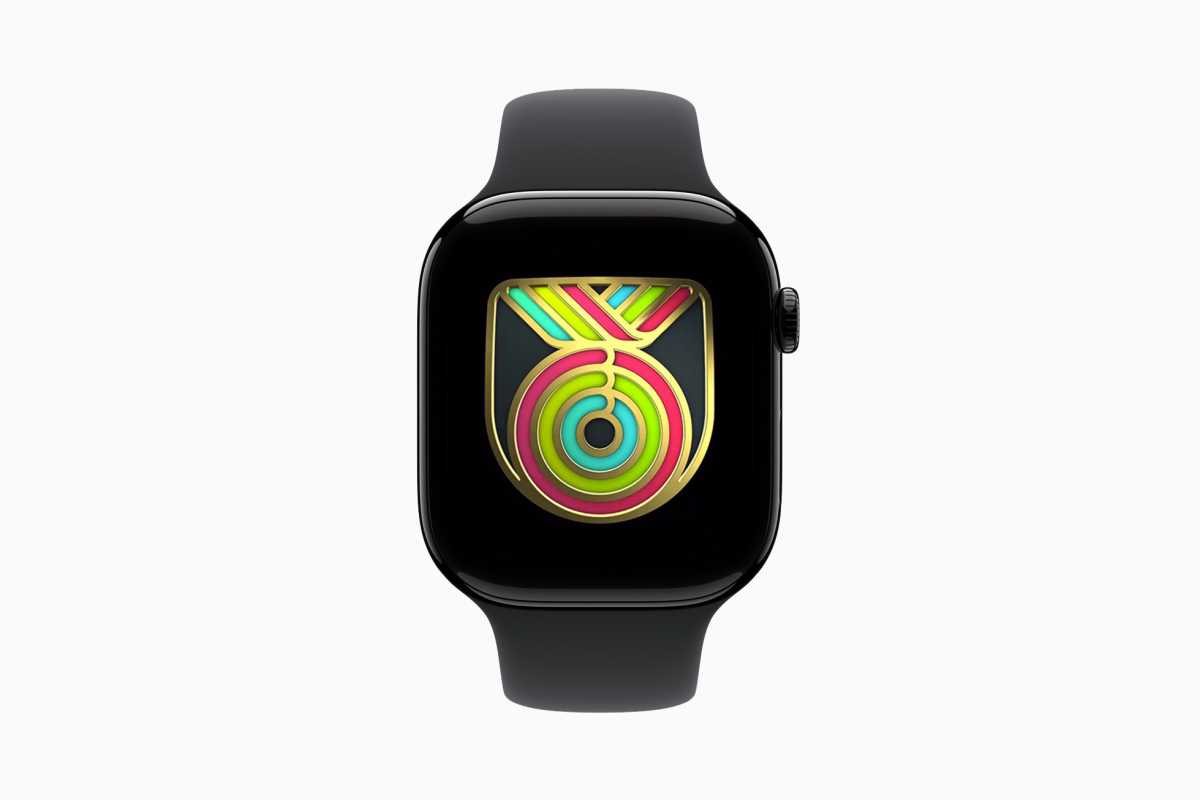
Global Close Your Rings Day (April 24, 2025)
Apple
To celebrate the 10th anniversary of the release of the first Apple Watch. Users who close all three Activity rings will earn a limited-edition award, plus 10 animated stickers and an animated badge for Messages.
Earth Day (April 22, 2025)
Apple
On April 22, celebrate Earth Day and win this award with any workout of 30 minutes or more. Try to get outside for it!
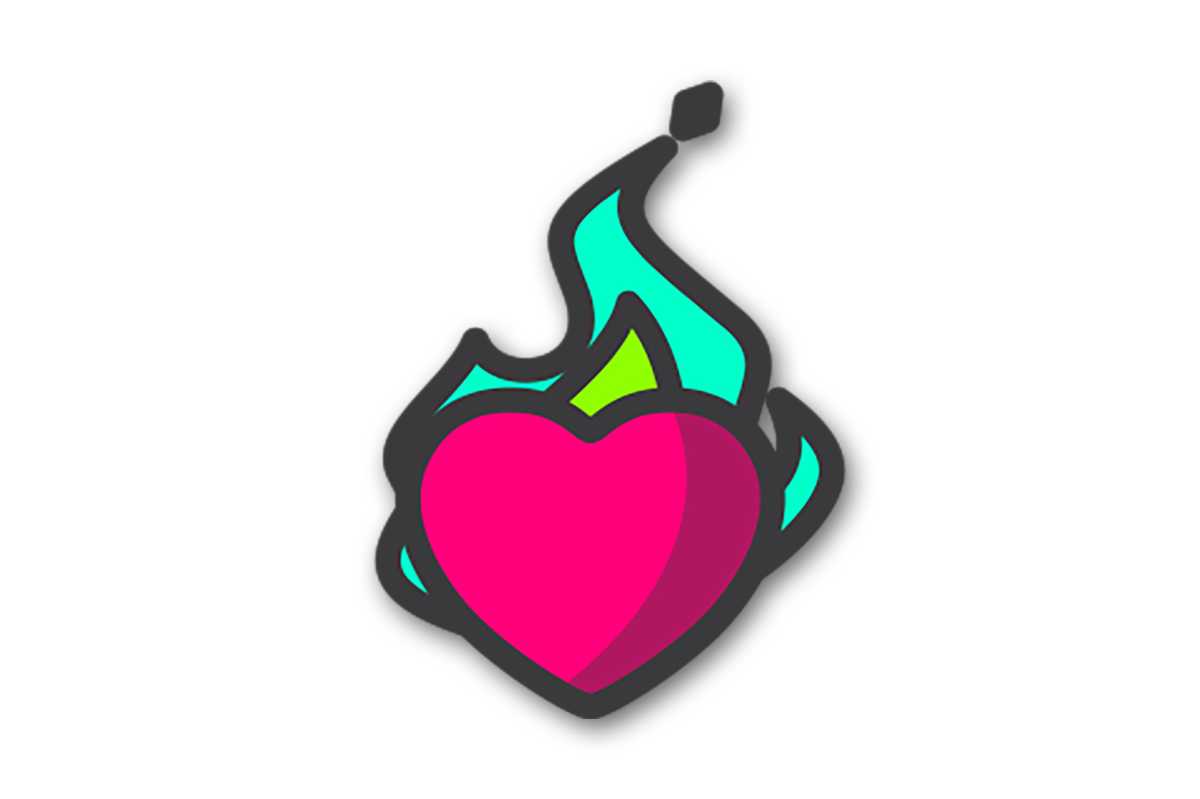
Heart Month challenge (February 14, 2025)
Apple
Show your heart some love! Close your Exercise ring this Valentine’s Day, February 14, to earn this award.
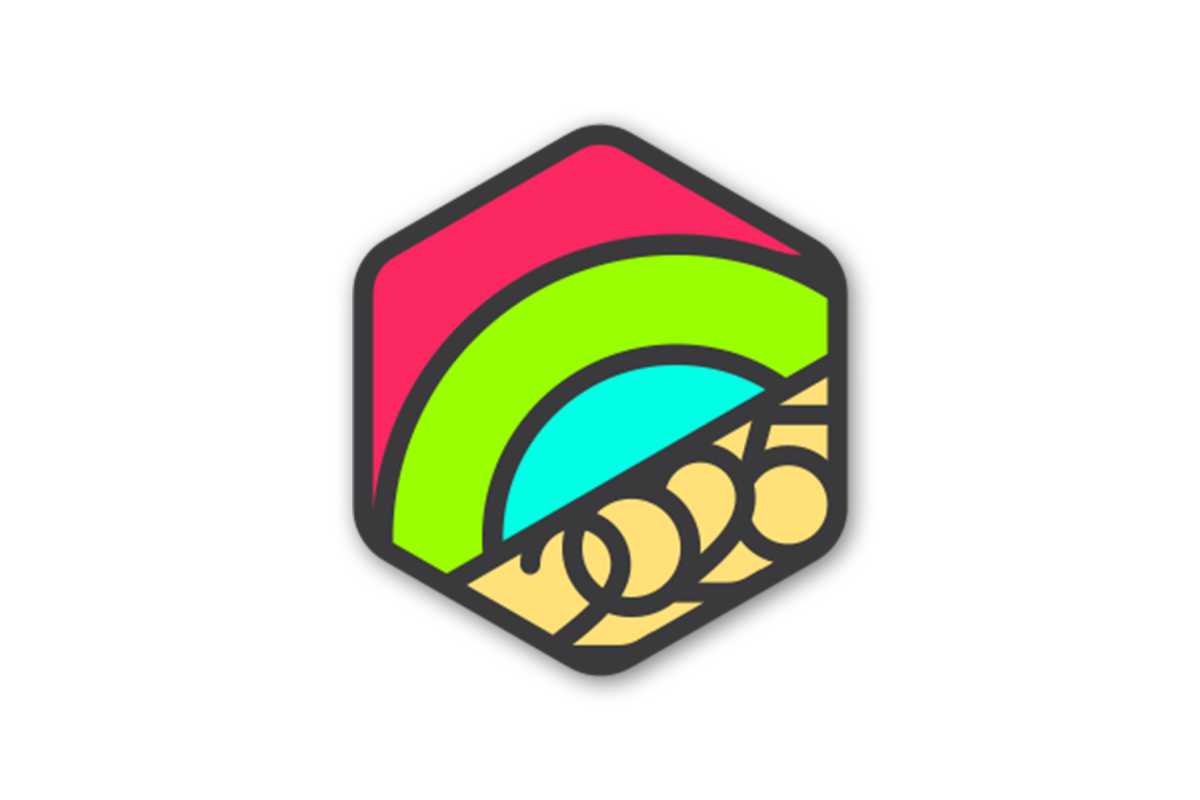
New Year’s 2025 challenge (January 2025)
Apple
Let’s start 2025 off right. Earn this award by closing all three rings for seven days in a row in January.
[ad_2]
Source link
